Few minutes ago Dev-Team has released iOS 4.3.1 untethered jailbreak for both Redsn0w 0.9.6rc9 and PwnageTool 4.3, the jailbreak support all iOS devices except iPad 2.
Update:
Redsn0w 0.9.6 RC12 for untethered iOS 4.3.1 Jailbreak update is now available
NOTE: Users who rely on ultrasn0w unlock MUST stay away from Redsn0w.
Important: Before you start please learn how to prepare for the jailbreak and how to backup apps here
Step 1: Download iOS 4.3.1 for your device (download links in the bottom of the post)
Step 2: Update/Restore to iOS 4.3.1 firmware using the IPSW file via iTunes 10.2.1.
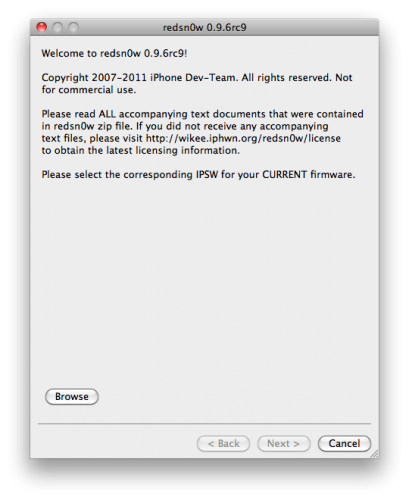
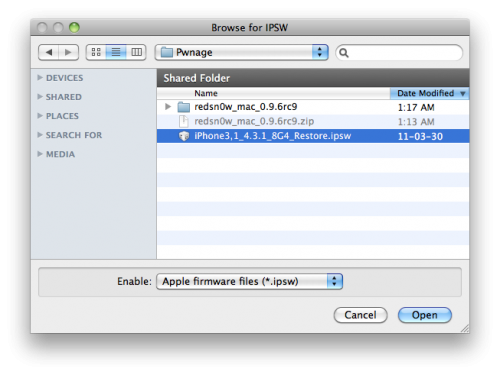
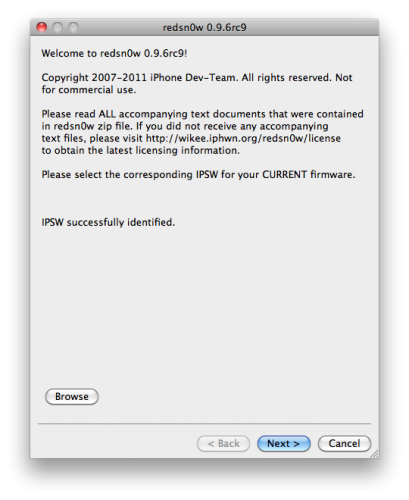
Step 3: Start Redsn0w and point it to the official iOS 4.3.1 firmware file.
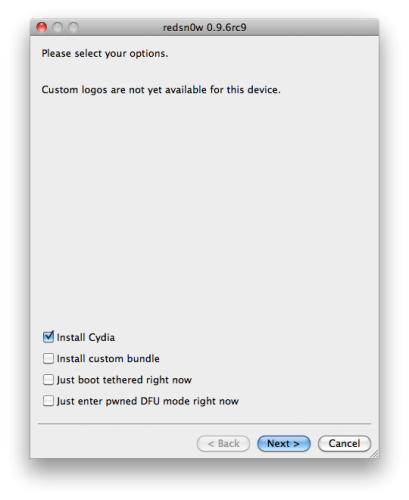
Step 4: Now simply select “Install Cydia†and click “Nextâ€.
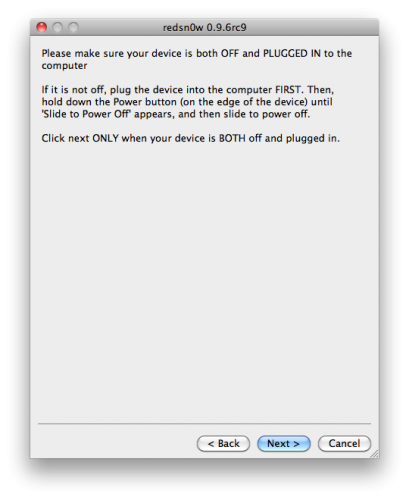
Step 5: Now make sure your device is both OFF and PLUGGED IN to the computer before you click “Nextâ€.
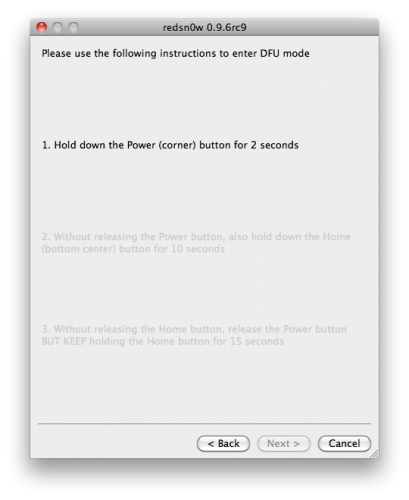
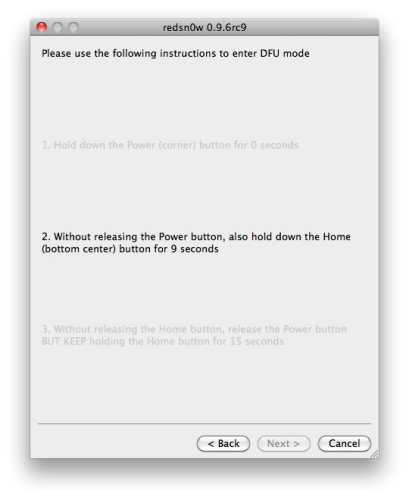
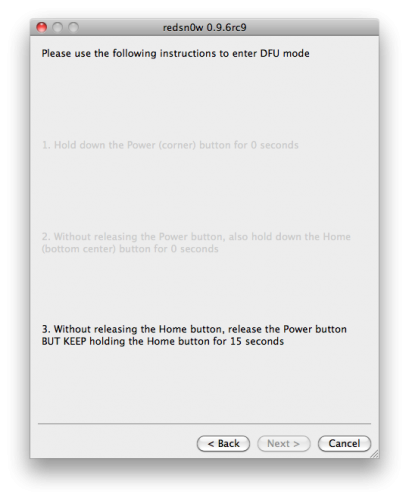
At this stage you will be presented with a screen where you will be guided on how to enter DFU mode. Quickly hold “Power†button and then while holding the “Power†button, you will now have to hold “Home†button too. Now after few seconds release “Power†button but keep holding “Home†button until installation begins.
Step 6: Wait shortly. Once done, your iPhone, iPad or iPod touch will restart automatically and you will find it fully jailbroken (untethered) on the latest iOS 4.3.1 firmware.
Download Links:
iOS 4.3.1 firmware DIRECT links below: