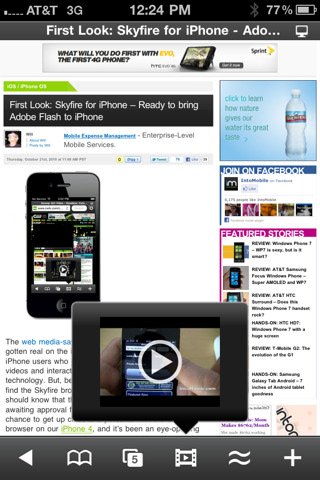
Skyfire for iPhone
It was supposed to come out tomorrow, but SkyFire Web Browser is already available in the App Store at $2.99. Featuring SkyFire’s technology that allows you to view flash videos on the iPhone through a server-side conversion to HTML5, SkyFire for iPhone also features Facebook and Twitter sharing in-app, a Facebook “Quickview†menu to check on your Facebook wall with one tap, private browsing, tabs and a desktop user agent option.
We’re testing the app right now and we’ll update this post with our impressions in a few minutes. In the meantime, check out the release notes below.
FEATURES:
• Play millions of Flash videos – everyday, with no limits!
• All-new ‘Skybar’ toolbar gives one-click access to video and related content
• Be social: Share via Facebook and Twitter.
• Stay in touch: Unique Facebook ‘Quickview’ allows you to see your wall and feeds with one click.
• Standard browser elements: Tabs, search, sharing, bookmarks, history, etc.
• Video search, with safe search option helps you quickly find videos about your favorite topic
• ‘Desktop’ option loads pages as on a desktop browser, giving a greater selection of video (vs. mobile sites)
• Private Browsing option: Browse with no history and cookies left behind
• Click the ‘Explore’ button for related videos, news trends, photos and tweets!
NOTES:
• Flash VIDEO content is supported, but Flash Games and Apps are NOT supported (aren’t there enough games on iPhone already?)
• Hulu NOT supported (they don’t allow it), but scores of other premium sites available
• List of supported sites grows daily (request new sites via Settings >> Feedback menu)
• It may take 15-25 seconds for videos to load: Preparing goodness takes time…
[via: macstories]