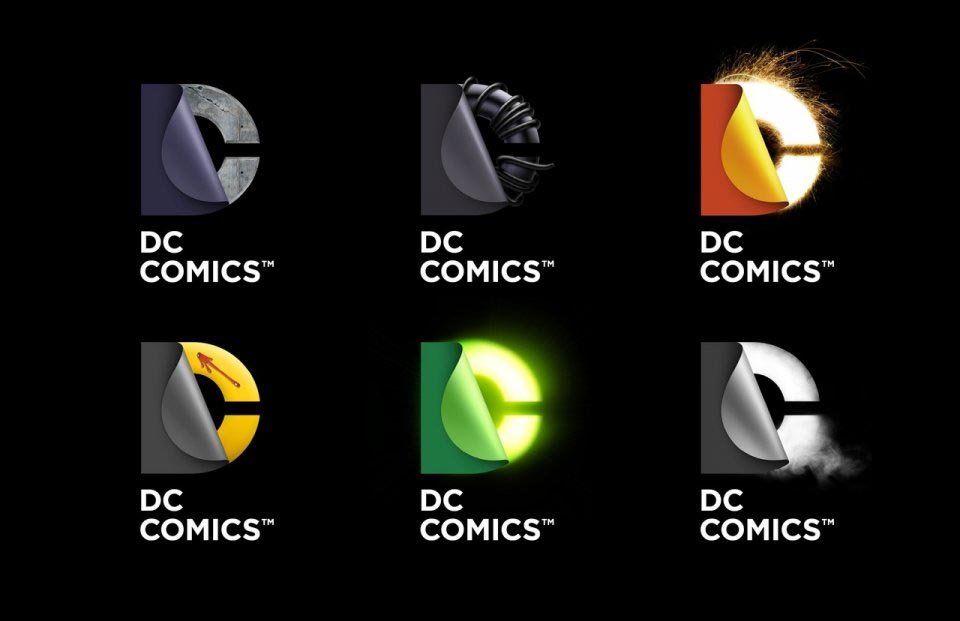
DC Entertainment Logo Versions
DC Entertainment has unveiled its new brand identity. The new set of logos were launched to showcase the portfolio of brands, stories and characters across all media platforms and merchandise. See the old and the new logos to compare. What do you think of the new ones?
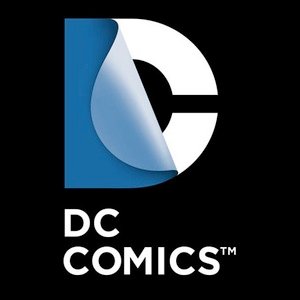 DC Entertainment New Logo |
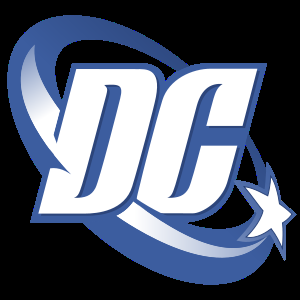 DC Entertainment Old Logo |
Here is the official press release
DC Entertainment, a Warner Bros. Entertainment company and home to iconic brands DC Comics, Vertigo and MAD, revealed today a new brand identity. The new identity is reflective of the company’s mission to fully realize the value of a rich portfolio of brands, stories and characters, distinguished by incredible breadth and depth across publishing, media and merchandise. A new logo for DC Comics was also introduced, closely aligning with DC Entertainment’s new mark.
“It’s a new era at DC Entertainment and the new look reflects a dynamic, bold approach while at the same time celebrates the company’s rich heritage and robust portfolio of characters,†stated John Rood, EVP of Sales, Marketing and Business Development for DC Entertainment. “It was just a few months ago that Superman, Batman and many of our other Super Heroes were updated when we launched DC Comics – The New 52 and now it’s time to do the same for the company’s identity while remaining true to the power of storytelling which is still at the heart of DC Entertainment.â€
DC Entertainment worked with Landor Associates, one of the world’s leading brand consulting and design firms, to develop an identity that creates a visual connection among the company, its three brands DC Comics, Vertigo and MAD and its vast array of properties as well as celebrates the power of the company’s stories and characters. The design of the new DC Entertainment identity uses a “peel†effect – the D is strategically placed over the C with the upper right-hand portion of the D peeling back to unveil the hidden C – symbolizing the duality of the iconic characters that are present within DC Entertainment’s portfolio.
“It was our goal to capture DC Entertainment in a dynamic and provocative identity. Our solution is a living expression which changes and adapts to the characters, story lines and the ways fans are consuming content,†explains Nicolas Aparicio, Executive Creative Director at Landor’s San Francisco office. “The new identity is built for the digital age, and can easily be animated and customized to take full advantage of the interactivity offered across all media platforms.â€
The new brand identity will come to life across all consumer touch points in order to create a clear and consistent message in support of DC Entertainment. The new identity will begin to appear on comic books and graphic novels as well as new websites in March. Consumers will also see the new identity rolled out over time on other DC Entertainment products from Warner Bros. including film, television, interactive games and merchandise.
“We believe our new brand identity will strongly resonate with our loyal fans who will want to proudly express their affinity for DC Entertainment and their passion for their favorite stories and characters, this new look allows them to easily do this. In addition we were excited to update our identity, it’s not often a company gets to revisit something as important as its brand and we took the opportunity to make sure it represented the multi-media business we set out to build with the formation of DC Entertainment,†said Amit Desai, SVP of Franchise Management for DC Entertainment.
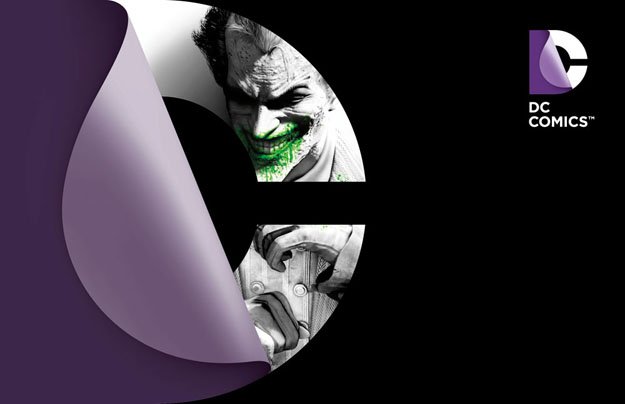
DC Entertainment New Logo
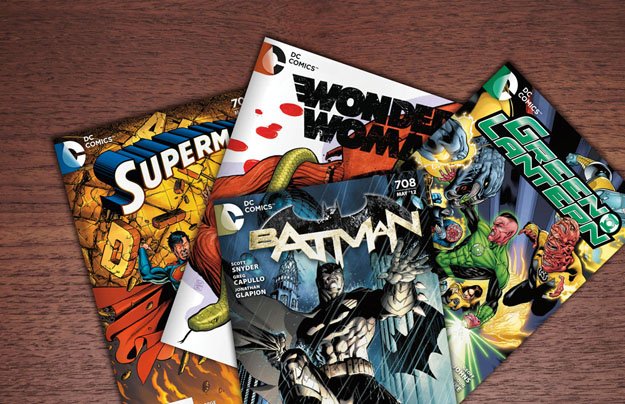
DC Entertainment New Logo