• Play PS3 Games on iPhone, iPod Touch with everyAir


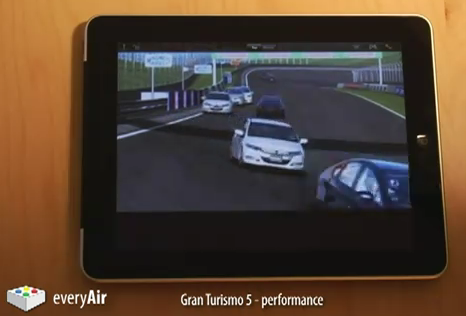
    New hackers and developers called “pandaelf” was able to find a way to play PS3 Games on your iPhone, iPod touch and iPad. With a little wrangling of simple hardware and everyAir, the developers have successfully made it possible to play PS3 games on any iOS device.

    Q&A:

    Q: What’s the overall picture for how this works?
    A: The trick is to connect a capture device and a USB mouse/keyboard device to the PS3. The capture device sends video data to the PC, and the USB keyboard/mouse sends the button presses. On the PC itself, you run a custom build of everyAir which understands custom gestures and pipes the input to the PC which then sends it to the PS3 via the input interpreter.

    Q: What were some of the hurdles?
    A: There are two problems to solve: sending the video signal to the iOS device and sending back input from the iOS device. Sending the video signal is solved by using an off the shelf capture device, and then sending back the input is a combination of a custom build of everyAir with an off the shelf mouse/keyboard device that connects to the PS3.

    Q: How do you send input to the PS3?
    A: Using one of those USB Keyboard/Mouse devices. For example, Eagle Eye (search for it on Amazon).

    Q: How do you get the video signal from the PS3 to the iOS device?
    A: We do this by using an off the shelf capture device. The capture device connects to the PC, TV, and to the PS3. The result is that a livestream of the PS3’s video signal ends up on the PC.

    Q: How do you connect to the PC from the iOS device?
    A: Using everyAir – our remote desktop application.

    Q: How does everyAir understand the game gestures?
    A: We’re using a custom build of everyAir, and it’s hardcoded to understand these gestures. Additionally, it knows how to pipe input to the mouse/kb device in a way that it expects.

    Q: Will this be publicly available?
    A: We plan to release a fully customizable version at some point in the future.

    As you read on the above quotation, till now there is no ETA for this cool idea, as usual I will let you informed with any updates, stay tuned.

    [via GadgetsDNA & pandaelves]

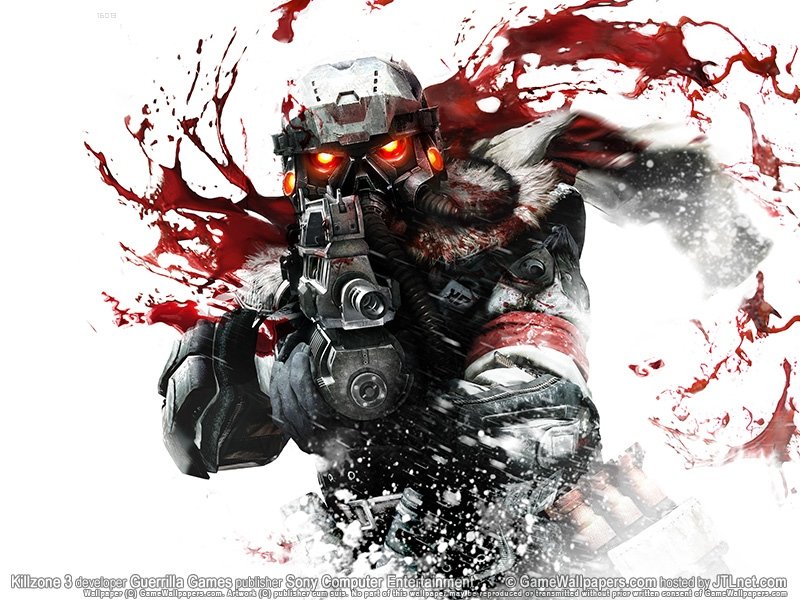
  • Killzone 3 The Official Soundtrack 2011


    Tracks Listing:

    01 Main Menu – And Ever We Fight On 2:51
    02 Birth of War – Dies Irae 2:13
    03 Just a Moment Ago 3:57
    04 Stahl and Orlock Square Off 2:21
    05 No Exit Strategy 1:29
    06 ‘I’ll Get You Home’ 2:02
    07 Unfair Fight & Captured 1:55
    08 Frozen Shores Rescue 2:55
    09 An Unwelcome Discovery 1:37
    10 Moving Will Kill You 1:47
    11 ‘You’ve Developed Energy Shielding?’ 4:01
    12 ‘What If I Just Killed Everyone?’ 2:39
    13 Stahl Almost Gets Away 2:35
    14 Pyrrhus Outskirts – Fortification 1:41
    15 Pyrrhus Outskirts – Hammer 2:30
    16 Pyrrhus Outskirts – Sniper Crossfire 2:28
    17 Pyrrhus Outskirts – The Boys Are Back In Action 3:28
    18 Pyrrhus Outskirts – Grab That Minigun! 3:00
    19 Helghan Jungle – the Horror, the Horror! 1:36
    20 Helghan Jungle – Darkness 1:58
    21 Helghan Jungle – I Am the Hunted 2:01
    22 Helghan Jungle – Helghast Spotted! 1:43
    23 Frozen Shores – the Bomb Is Set 2:04
    24 Frozen Shores – Flight of the Intruder 2:50
    25 Frozen Shores – Escape On the Tram 1:10
    26 Frozen Shores – Jetpack Flight 0:42
    27 Frozen Shores – Enter the Wasp 1:32
    28 Stahl Arms – Exploring Stahl Arms 2:20
    29 Stahl Arms – Battle My Own 2:59
    30 Stahl Arms – The Icesaw Chase 4:30
    31 The Scrapyard – Fight On a Crane 4:04
    32 The Scrapyard – The Mobile Factory 2:50
    33 The Scrapyard – The Heavy Returns 0:24
    34 The Scrapyard – Don’t Mess With the MAWLR 4:13
    • Download [MP3][Fileserve][Disc length 82:25]
    • [hide 1] http://www.fileserve.com/file/DuRm5we [hide 1]

    • Download [M4A][Fileserve][Disc length 82:25]
    • [hide 1] http://www.fileserve.com/file/HgXfmxt [hide 1]

    Disclaimer Note: This article is purely for informational purposes only. We did not rip the files, nor do we endorse or promote piracy. We encourage people to support the great companies and musicians who bring us all these awesome games and scores.

  • Killzone 3 Full Walkthrough / Gameplay in 720p HD


    Youtube User RajmanGamingHD has posted a full walkthrough/gameplay for the upcoming game franchise Killzone 3 in Full 720p HD. You will find below the complete set of gameplays starting from the Opening Scenes through the Game ending.

    Killzone 3 is set to be released on February 22 in the US and three days later in the UK.

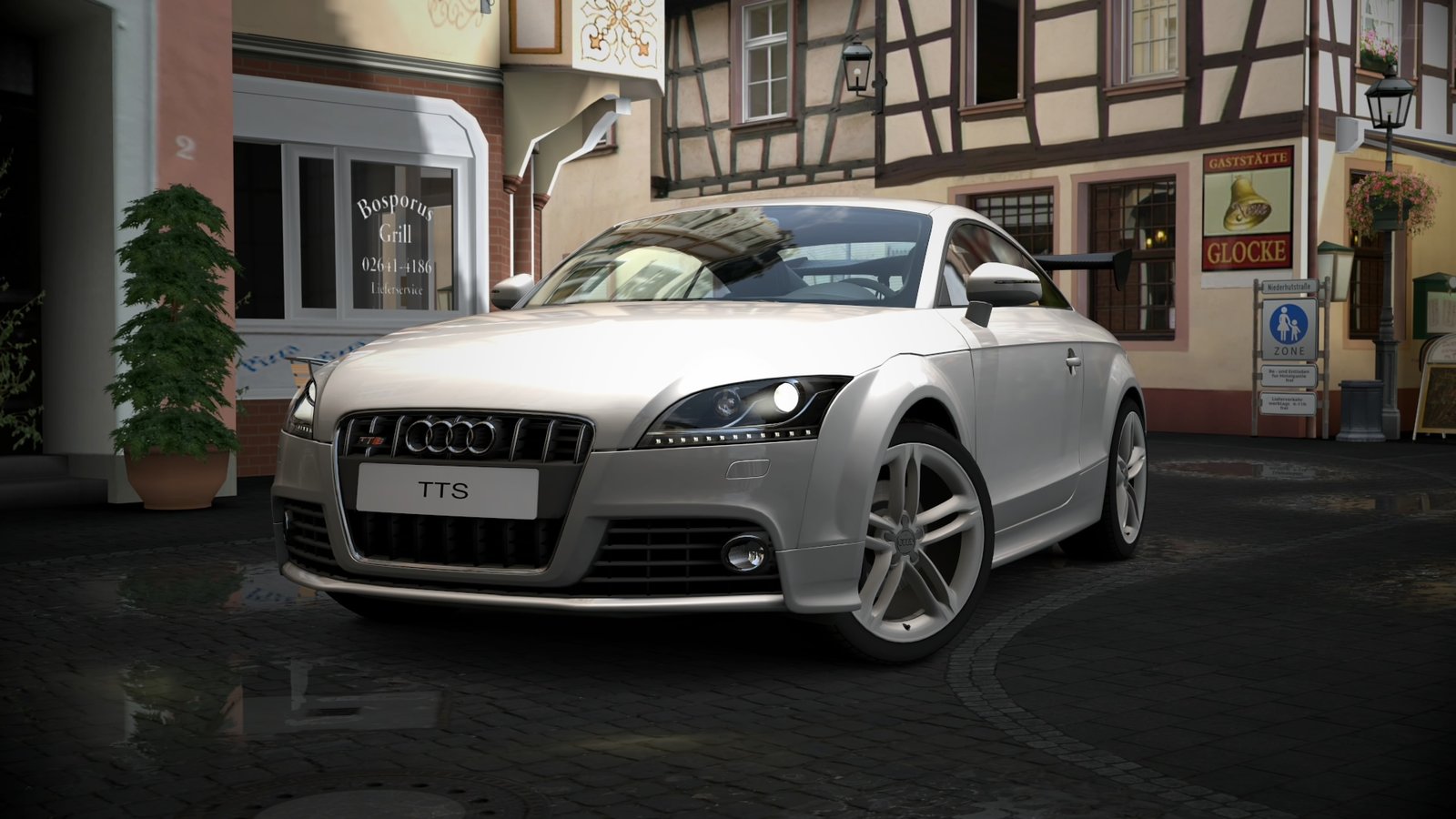
  • Gran Turismo 5 Gets A Huge Update 1.06


    Major Changes and New Features

    • Remote Racing – [Remote Races] have been added to the bottom left of the [GT Mode] – [Community] screen.  Here you can start a fully automated B-Spec race using yours and your friends’ “My Drivers”, and gain rewards and experience from it. For details please see section 8-4 [Remote Races] in the [Manual] accessible from the main menu, and also the new “Remote Race” page on gran-tursimo.com, under the GT5 product information section.
    • Remote Racing from a Web Browser – In [Remote Races], you can visit the official “gran-turismo.com” website using a web browser, and remotely control your PS3® at home. You can start races, monitor its progress and check results from the website. This is a new playing style allowing you to play Gran Turismo anywhere.  Sign in from the [GT5 My Home] button on the upper right corner of the website to get started.
    • Using the Course Maker in Online Races – You can now use one of the “My Courses” created in [Course Maker] for your online races (in Open Lobby, My Lounge), or select themes and generate courses on the spot. (Please note you’ll only be able to use My Courses created after this update).THESIXTHAXIS
    • Introduction of Performance Points in Online Races – We’ve now introduced Performance Points (PP), a numerical index of a car’s performance for online races. You can set PP restrictions in the online race regulations (in Open Lobby, My Lounge) to limit participating cars. For details, see 6 -15 [Performance Points] in the [Manual] accessible from the main menu.
    • Increased Rewards and Experience Online – The amount of rewards and experience gained from online racing (in Open Lobby, My Lounge) have been increased.
    • More Event Settings in Online Races – [Auto Race Start Cycle] and [Tire Wear/Fuel Consumption] have been added to the event settings for online races (in Open Lobby, My Lounge).
    • More Penalties for Special Events – Penalties for improper driving such as driving off course and hitting walls have been increased for the [Special Events] under [GT Mode] – [GT Life].
    • Event Rewards and Experience Adjusted – The rewards and experience gained in [License] and [Special Events] in [GT Mode] – [GT Life] have been adjusted. Experience for A-Spec and B-Spec events have been increased, while rewards have been reduced back down to levels seen before the 1.05 update.
    • Car Loan in Events – In A-Spec, B-Spec and [Special Events] in [GT Mode] – [GT Life], you can now borrow cars that your Friends have set to share with friends. For details see 6-16 [Borrowing and Lending Cars] in the [Manual] accessible from the main menu.
    • More Car Settings – Gear ratio adjustment, power limiters, and weight adjustment have been added to the settings. For details see [18. Settings Guide] in the [Manual] accessible from the main menu.
    • Multi-Monitor Feature – From [Options] – [Hardware] – [Multi-Monitor], you can now access the multi-monitor display settings using multiple PS3â„¢ systems. You can now enjoy Gran Turismo 5 in a wide display environment combining multiple PS3â„¢ systems and TV’s/monitors. For details please see the support section on gran-turismo.com.

    Changes and Additions to Gameplay

    • It is now possible to replay and save [2P Battle] races.THESIXTHAXIS
    • [Controller Steering Sensitivity] has been added to [Driving Options].THESIXTHAXIS
    • [Corner Bank Angle] has been added to the section settings in [Course Maker].THESIXTHAXIS
    • In A-Spec events including endurance races, a confirmation prompt has been added before restarting a race from the beginning.THESIXTHAXIS
    • In replays, B Spec and while watching races, you can now change viewing targets directly from the screen without having to use a separate window list.
    • Personal BGM can now be used when voice chat is disabled in a [Lounge].
    • Cars in your garage that are not registered as ‘Favorites’ can now be used in a [Lounge].
    • When tire restriction is enabled in a Lounge regulation, only cars with tires that qualify will be displayed in the garage.
    • Driver and car display selections during races will be saved.
    • Karts now have [Quick Menu] settings.
    • You can now select multiple items in some important menu screens, such as when registering your favorite cars in your [Garage].

    AI Adjustment

    • Race choreography and opponent car AI controls for licence tests and A Spec events have been adjusted.
    • Opponent car AI controls during B Spec races have been improved.THESIXTHAXIS
    • The evasive maneuver of opponent cars when a players car blocks the track has been improved.

    Correction of Issues

    • Corrected an issue where it was possible to gain points unfairly in drift trials.
    • Corrected an issue where it was not possible to view the 4th sector in the live monitor.
    • Corrected an issue where the sound effects would not change when replacing the exhaust system or turbo kit.
    • Corrected an issue where the save data becomes unable to load when exceeding a certain file size.

    Other Changes

    • A searchable item called [Race Type] has been added for room creation in the [Open Lobby].
    • The lap times for the [X Challenge] in [Special Events] have been adjusted.
    • Game save speed has been optimized.
    • The HDD access warning message that was displayed at game startup has been disabled for faster startup.
    • Car demo backdrops during an [Auto Demo] is now displayed randomly in 4 types (Morning/Day/Night/White) as is in the [Dealership].
    • The “S-AWC” integrated four wheel drive system of the Mitsubishi Lancer Evolution X has been adjusted.
    • The [Force Feedback Strength] of the Thrustmaster T500RS can now be adjusted across a wider range.

    Simply load the game when you’re signed into the PSN to get this update.

    [via: thesixthaxis]