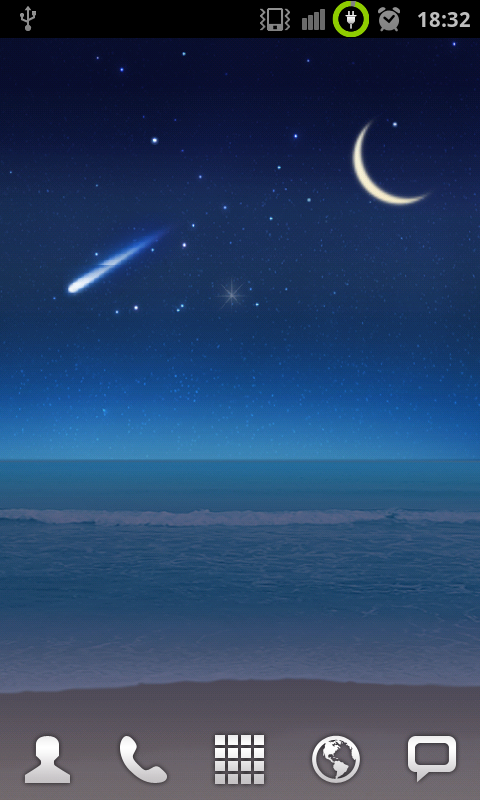
• Secret Live Wallpapers From Samsung Galaxy S II Available For Download


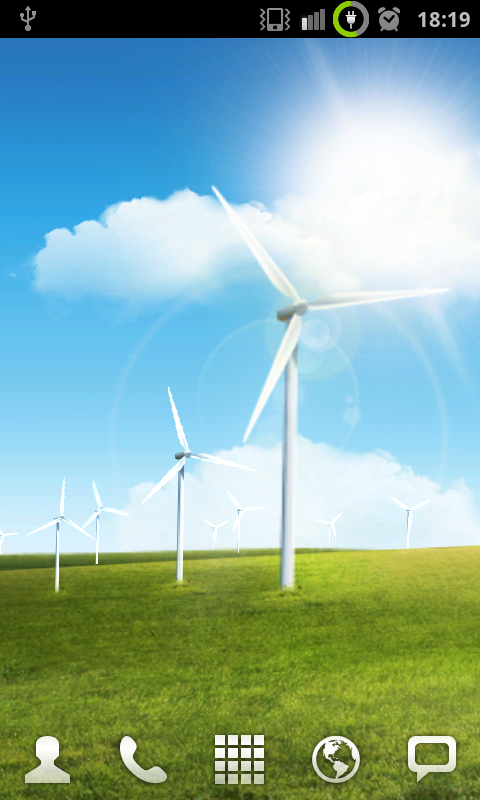
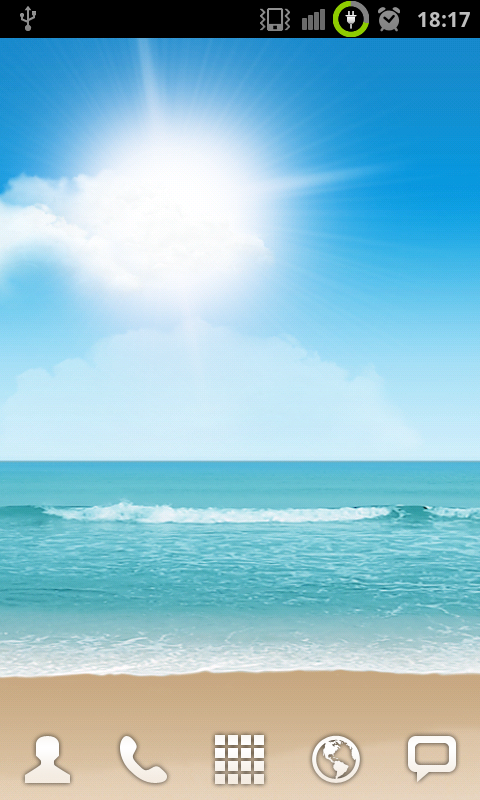
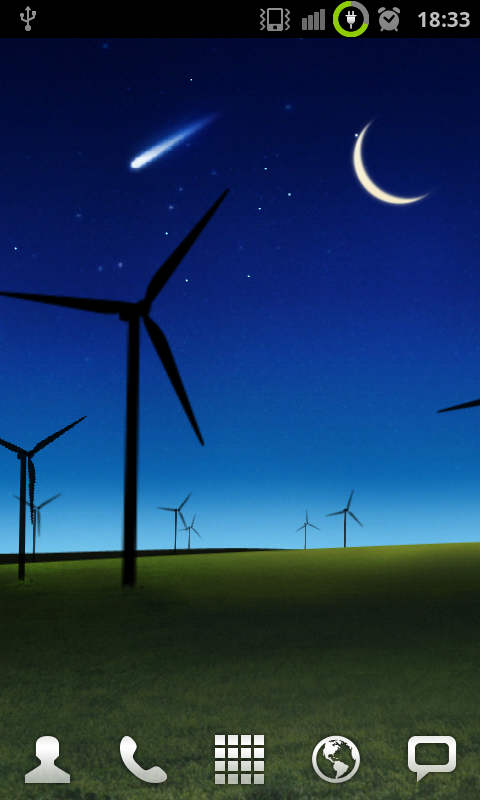
    The two Live Wallpapers from the upcoming Samsung Galaxy S II have been extracted by the guys at smartkeitai and now you can run them on your Android. The two wallpapers pulled are centered around the countryside with windmills and the coast with a beach scene. The backgrounds will actually change from day to night depending on the time of day, which is always a cool feature when it comes to live wallpapers.

    Watch this video below:

    Note: on the SGS II, these wallpapers update with weather animations corresponding to your area. Unfortunately, the LWP settings menu only gives options for update time intervals and doesn’t allow location configuration.

    Install the APK files using a file explorer and then configure them just like any other live wallpaper.
    • Secret Wallpaper 1 is the beach scene: [ Download ]
    • Secret Wallpaper 2 is the windmill scene: [ Download ]
  • Google Updates New Commenting Feature for Google Docs


    Google Docs is an excellent product from Google company which helps to user to edit the document in online without any use of special software’s. The latest news from Google is they are going to update new commenting feature for Google docs, so it’s like a real time chat between the users which are editing the same document with comment feature. Whenever user comment on the document and that comment will appears on right side of the document including with their profile pictures and timestamps. Even you can use “@” to interact and reply with particular user comment or discussion on that document.

    If user is offline the comments will appear on their e-mail account, so that you can reply for that comment via email without visiting the Google docs web page. Users can also read and view the full discussions simply by clicking the discussion button from the top menu of that document.

  • Run Android Apps on Windows PC With BlueStacks


    Ever thought to try out an Android app without the need to buy a device? Or an iOS user and often wondered how the other guys live? The BlueStacks is to meet your needs.

    It’s basically virtualization for Android. Install BlueStacks on your Windows machine and the software allows you to run an instance of Android right inside the app. From here the experience is just like having an Android device – except the phone calling thing.

    Virtualization is nothing new, Its there for years with VMware or Parallels but this is the first time a mobile operating system has been invited to the party. Head over to the BlueStacks website for more updates.

  • Android 3.0 Honeycomb Apps List is Only 17


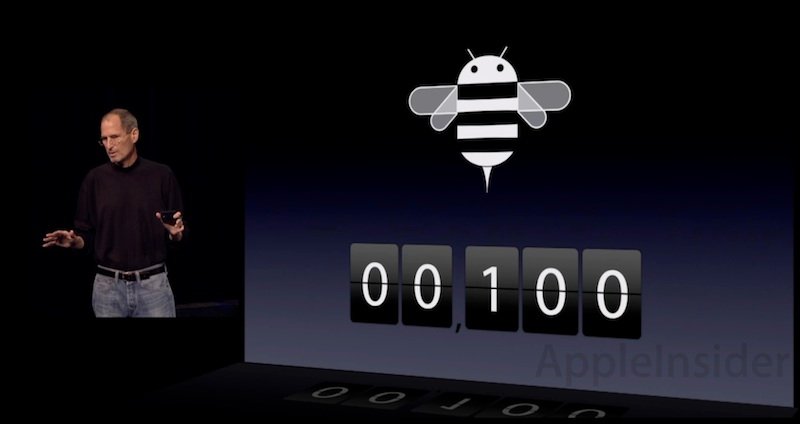
    While introducing iPad 2 last month, Apple’s chief executive Steve Jobs described the competitive market for tablet apps on Google’s Android 3.0 Honeycomb as having “at most 100 apps.” The actual Android catalog appears to be closer to 17. as noted by Appleinsider.

    Jobs noted that the iOS App Store now has over 350,000 titles, of which 65,000 “take full advantage of the iPad,” drawing attention to “consumption apps, creation apps and fantastic games, and a lot of apps for business and vertical markets apps like medical. The things people are doing here are amazing,” Jobs said.

    “That compares to our competitors, who are trying to launch these days with at most 100 apps. And I think we’re being a little generous here. This is a huge advantage we have,” Jobs added.

    A review of Google’s Android Marketplace tablet offerings “featured for tablets” depicts just 50 apps, but as blogger Justin Williams notes, “most are upconverted and offer no significant advantages on a tablet other than a larger screen.”

    Looking only at apps that either require Android 3.0 or have a user interface “specifically designed for a tablet experience,” Williams counted only 17.