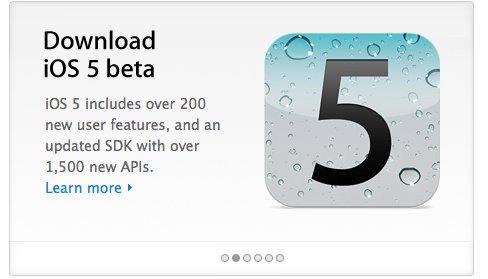
Apple has released iOS 5, the next iteration of its mobile operating system for iPhone, iPod touch and iPad to registered developers.
Here are some of what you expect for the new iOS:
- You can keep using your device while syncing
- You can hold links and have them open in the background.
- More alert choices for emails, calendar, and the ability to buy more.
- Ability to create keyboard shortcuts (autotext) to replace custom phrases. The default entry is “omw†which is replaced with, “On my way!â€
- Software update option in settings to check for the latest OS.
- Sync now button to wireless sync to iTunes
- Ability to customize how notifications in Notification Center look — you can customize how many recent ones to show, 1, 5 or 10, if it’s showed in the lock screen, if it’s in Notification Center, and also the alert style, banner or alert style.
- Twitter installs directly from the settings page if it’s not installed directly, you aren’t even taken to the App Store.
- FaceTime button in iMessage messages at the top now
- Tweeting photos is, so so slick. It displays on Twitter as powered by Photobucket, and it’s from iOS.